
BENVENUTO NEL MONDO ETICHETTE
Modelli di etichette SMS-400, 430, 460, TAG-ID2, R1®
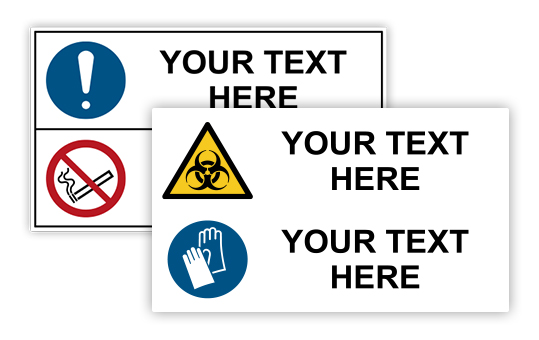
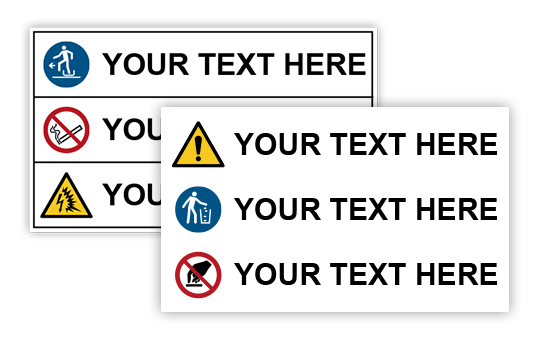
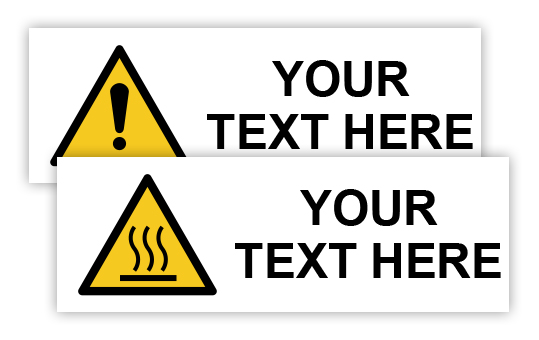
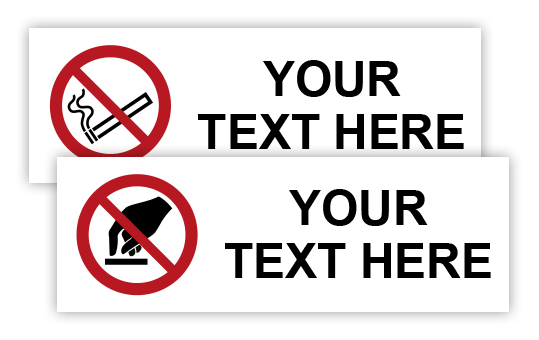
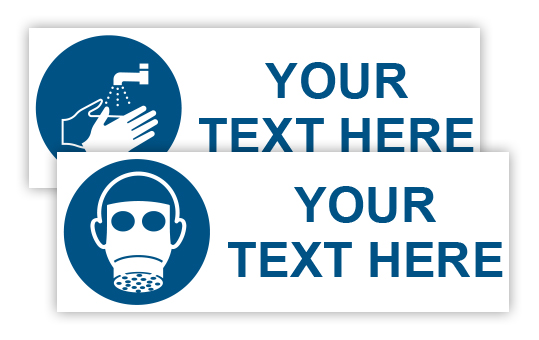
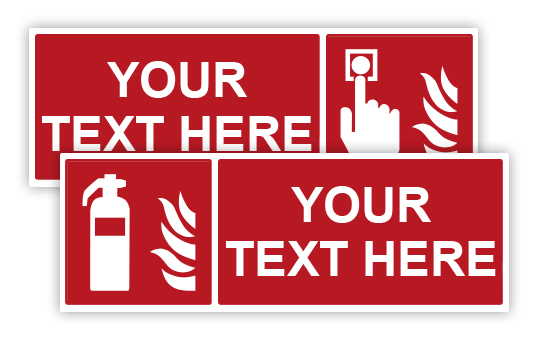
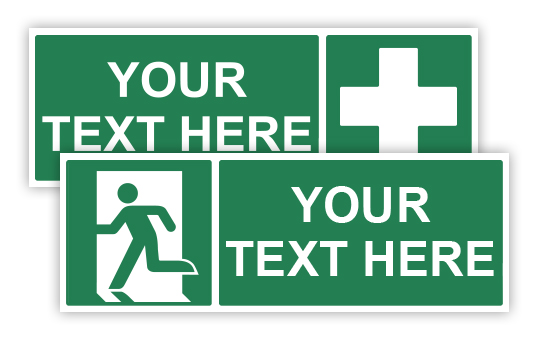
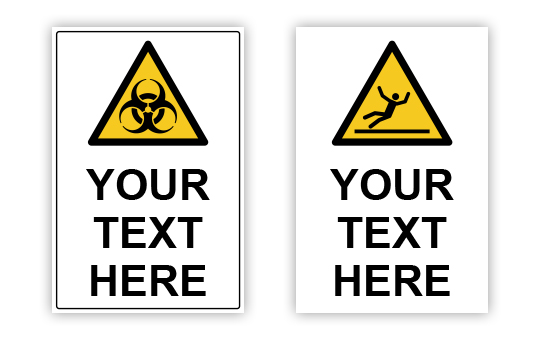
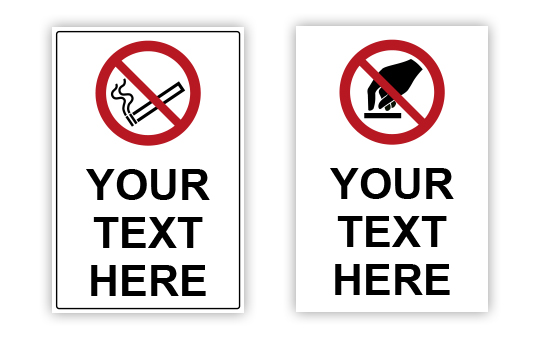
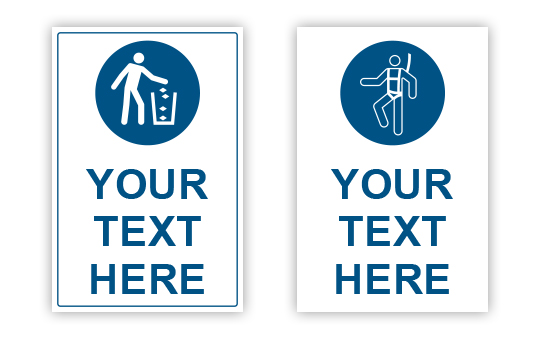
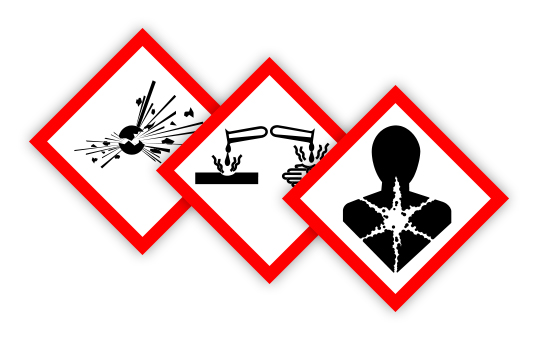
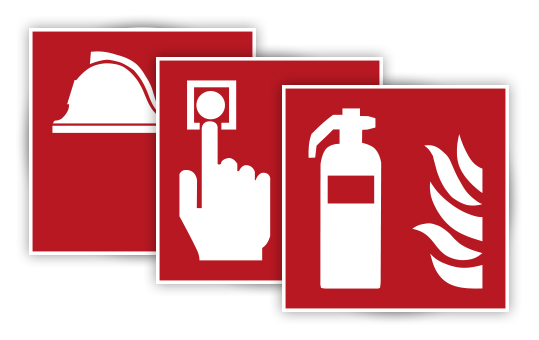



Modelli Distanziamento Sociale
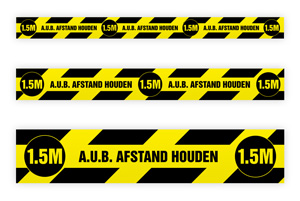
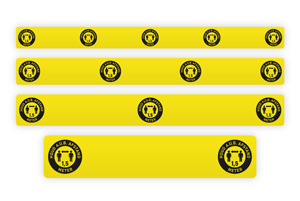
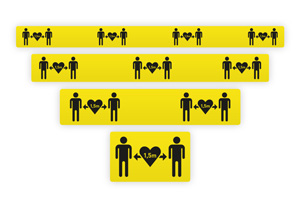
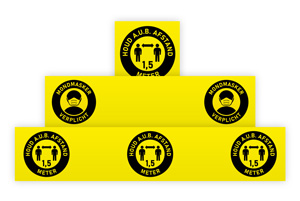
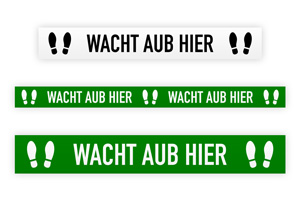
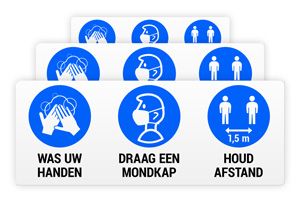
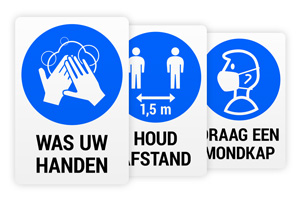
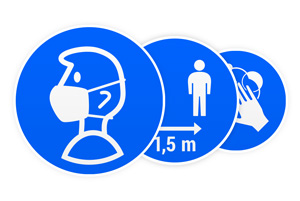
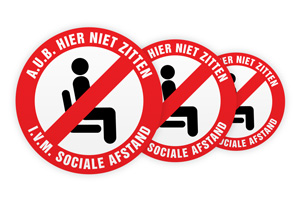
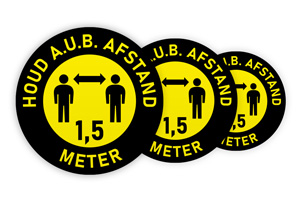
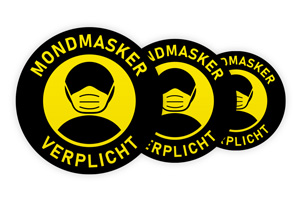
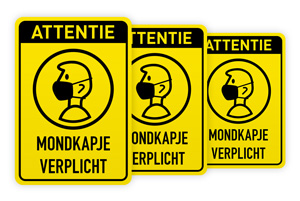
Modelli di etichette monocolore
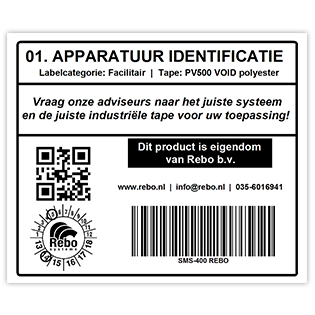
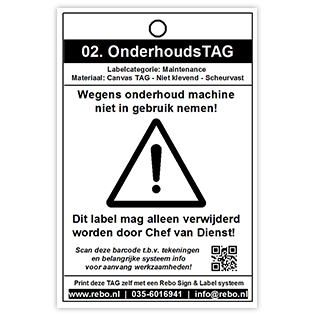
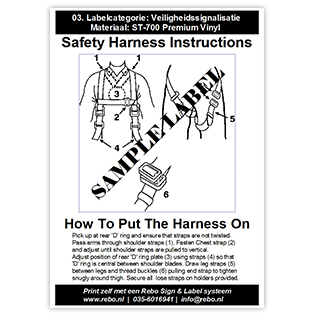
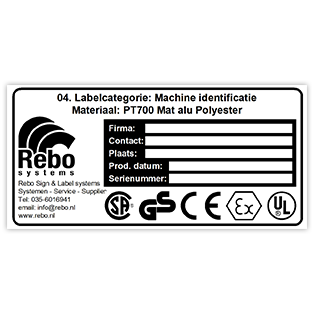
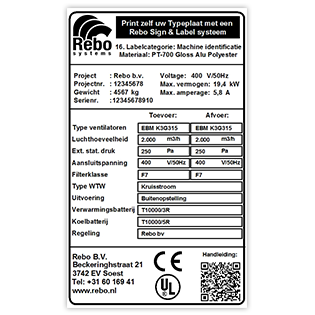
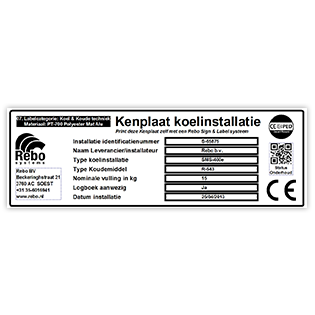
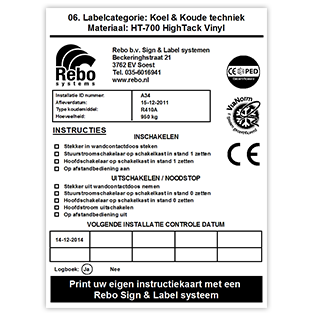
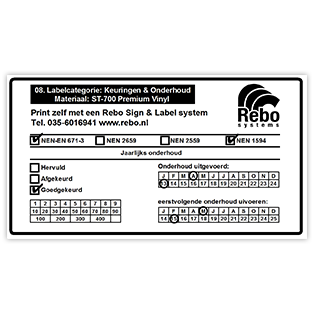
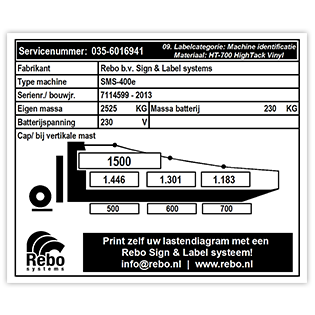
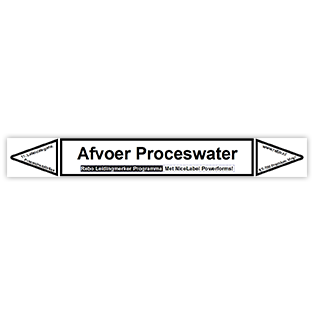
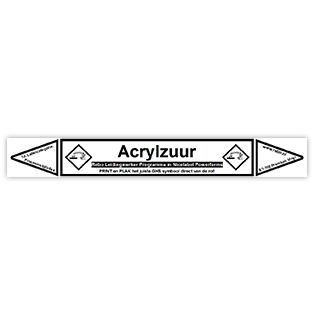
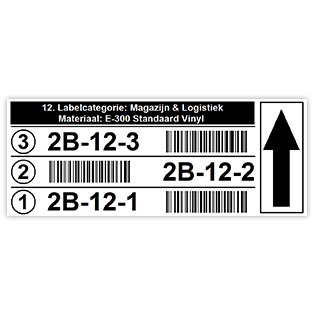
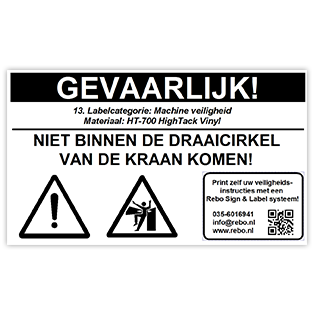
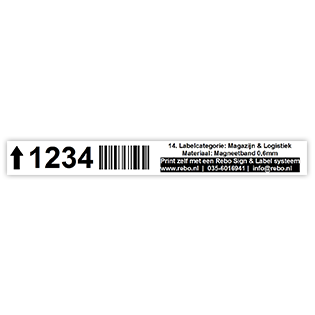
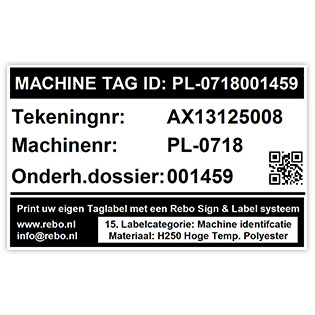
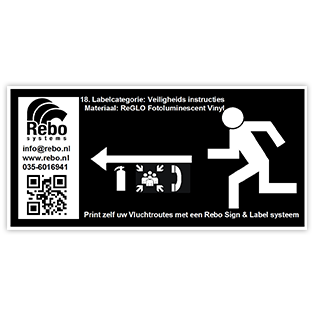
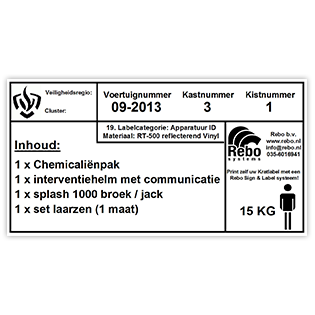

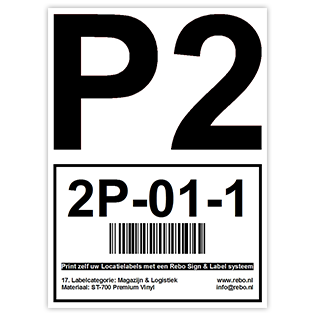
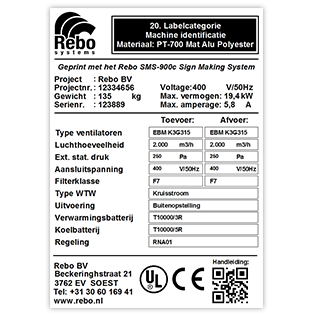
Modelli di etichette mono formato A4

Istruzioni
Inserire il rotolo nella stampante, quindi far scorrere il sensore dell'etichetta anteriore nella stampante verso sinistra in modo che guardi attraverso le rientranze quadrate del supporto situato a sinistra dei CableSleeves.
Nastro di stampa consigliato: nastro di stampa speciale SR20

Istruzioni
Inserire il rotolo nella stampante, quindi far scorrere il sensore dell'etichetta anteriore nella stampante verso il centro in modo che guardi attraverso le rientranze al centro del rotolo con le etichette dei cavi.
Nastro di stampa consigliato: nastro di stampa speciale SR20
Istruzioni
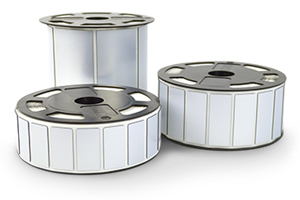
È possibile inserire direttamente nella stampante un rotolo di etichette risolabel alte fino a 25 mm . Le etichette risolabel sono più alte di 25 mm ? Si consiglia di utilizzare un portarotolo esterno .
Nastro di stampa consigliato: nastro di stampa speciale SR20

Modelli
SMS-430 (NiceLabel
2017-2019-V10)
SMS
TAG-ID2 (NiceLabel
2017-2019-V10)
Puoi controllare la tua versione di NiceLabel avviando NiceLabel e andando al menu Aiuto > Informazioni.
Istruzioni
Posizionare
il rotolo nella stampante, quindi far scorrere il sensore
anteriore delle etichette nella stampante verso sinistra in modo
che l'occhio del sensore guardi attraverso la tacca sinistra
situata a sinistra di ciascun bordo di strappo.
Guarda
il video sulla posizione del sensore delle etichette >
Nastro di stampa consigliato: nastro di stampa industriale SR10
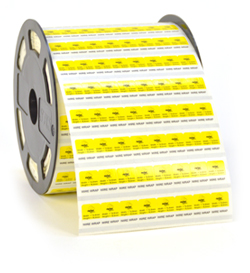
Modelli
SMS-430 (NiceLabel
2017-2019-V10)
SMS
TAG-ID2 (NiceLabel
2017-2019-V10)
Puoi controllare la tua versione di NiceLabel avviando NiceLabel e andando al menu Aiuto > Informazioni.
Istruzioni
Posizionare il rotolo nella stampante, quindi far scorrere il sensore dell'etichetta anteriore nella stampante verso il centro in modo che l'occhio del sensore veda i segni neri sul retro del rotolo di wirewrap.
Nastro di stampa consigliato: nastro di stampa speciale SR20

Il software NiceLabel Design and Print ti aiuta a progettare rapidamente etichette e a creare un processo di stampa efficiente, così puoi concentrarti sulla gestione della tua attività invece di preoccuparti quotidianamente degli errori di stampa. Progetta rapidamente etichette professionali senza investire in formazione e programmazione.
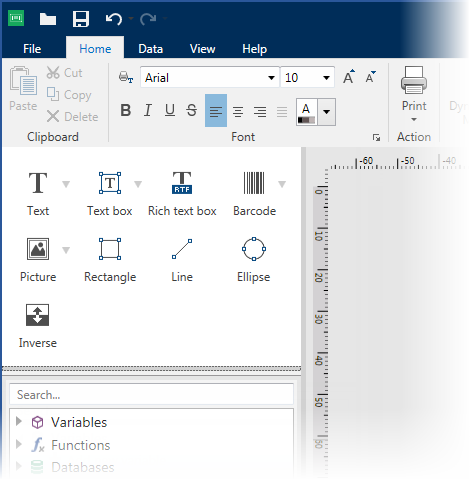

Label design
Get started and finished with label design today
The
new NiceLabel designer delivers a familiar Microsoft Word-like
user experience.
This
means anyone can quickly
design professional labels without previous
knowledge of barcoding or designer training.

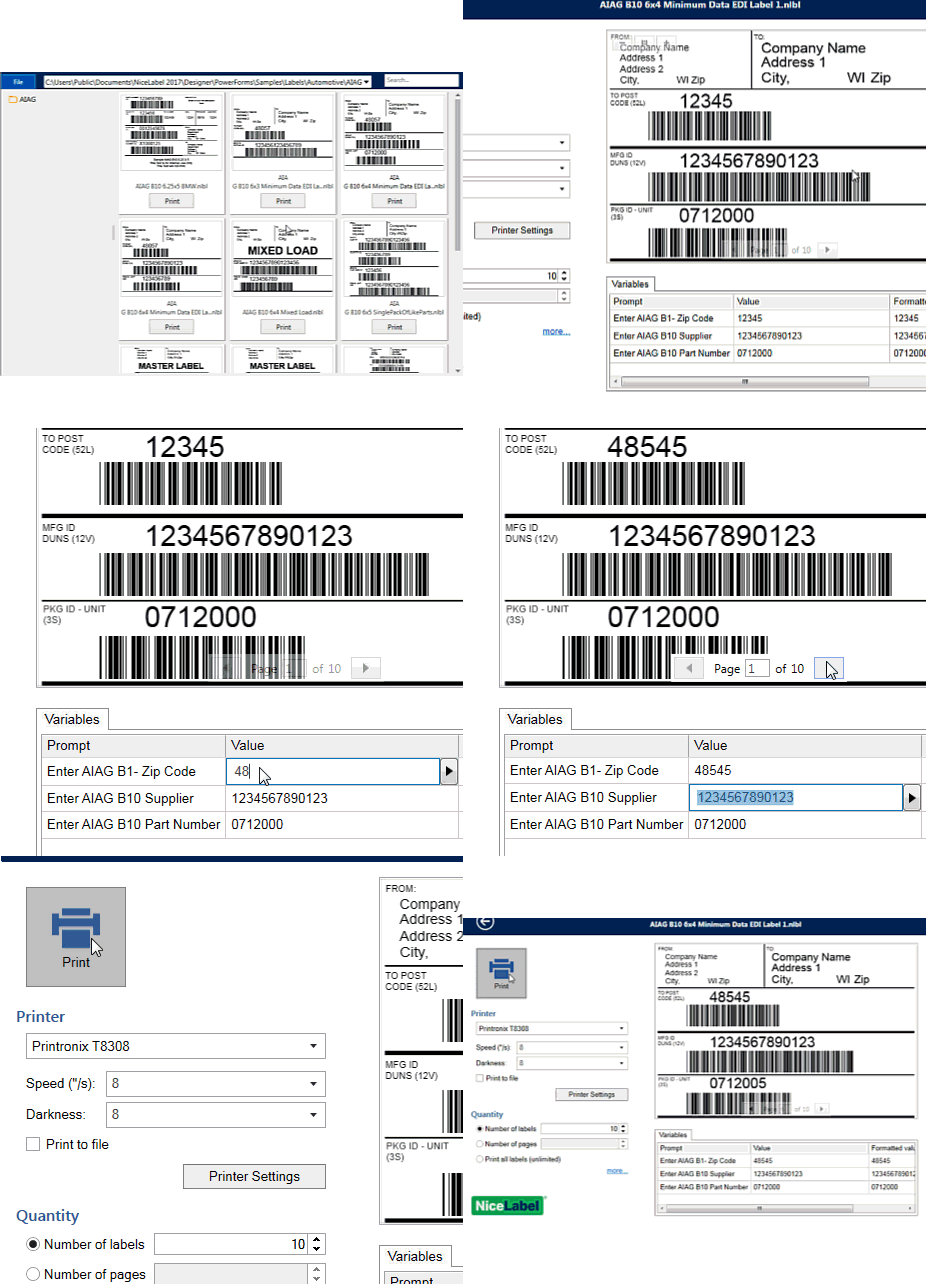
Label printing
Print accurately and consistently without printing errors
Printing
labels with dynamic data is different from printing other types of
documents.
The labeling system needs to enable production and warehouse staff
to print quickly and without errors.
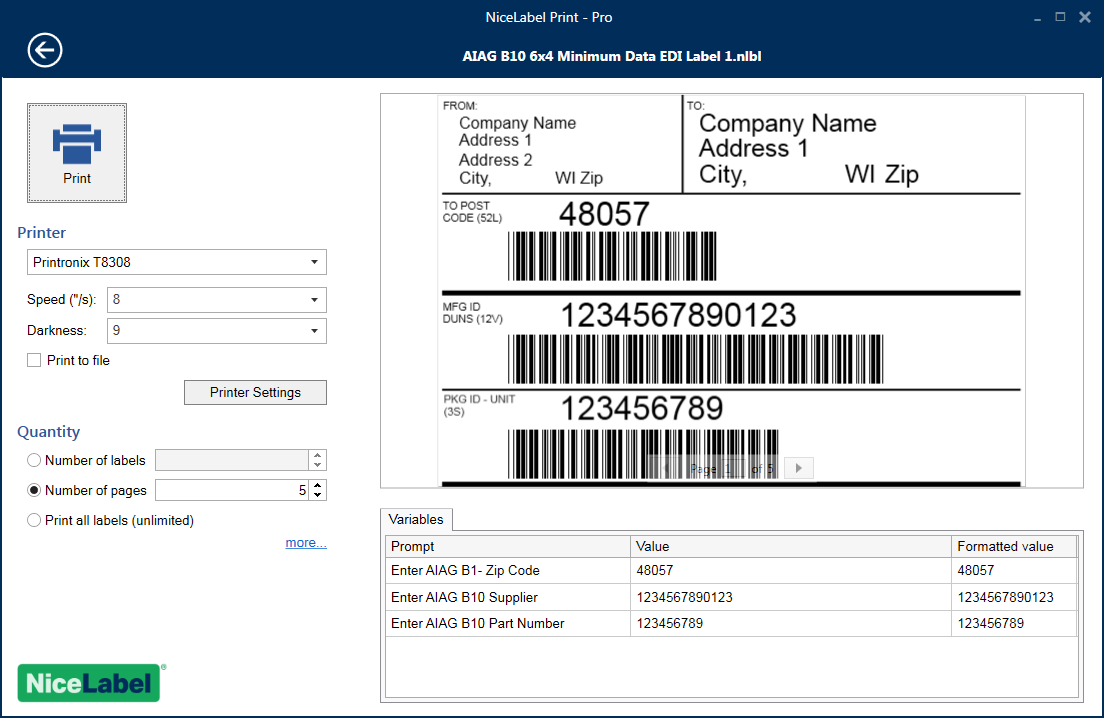
NiceLabel comes with an all-in-one printing form that helps users
print accurate labels without the risk of error.
So new. And so familiar.
The NiceLabel Designer delivers the familiar Microsoft Word-like user experience. This means anyone can quickly design professional labels without barcoding, design or advanced computer skills. Use one of the predesigned label templates or create one from scratch in minutes even if you have never done it before.
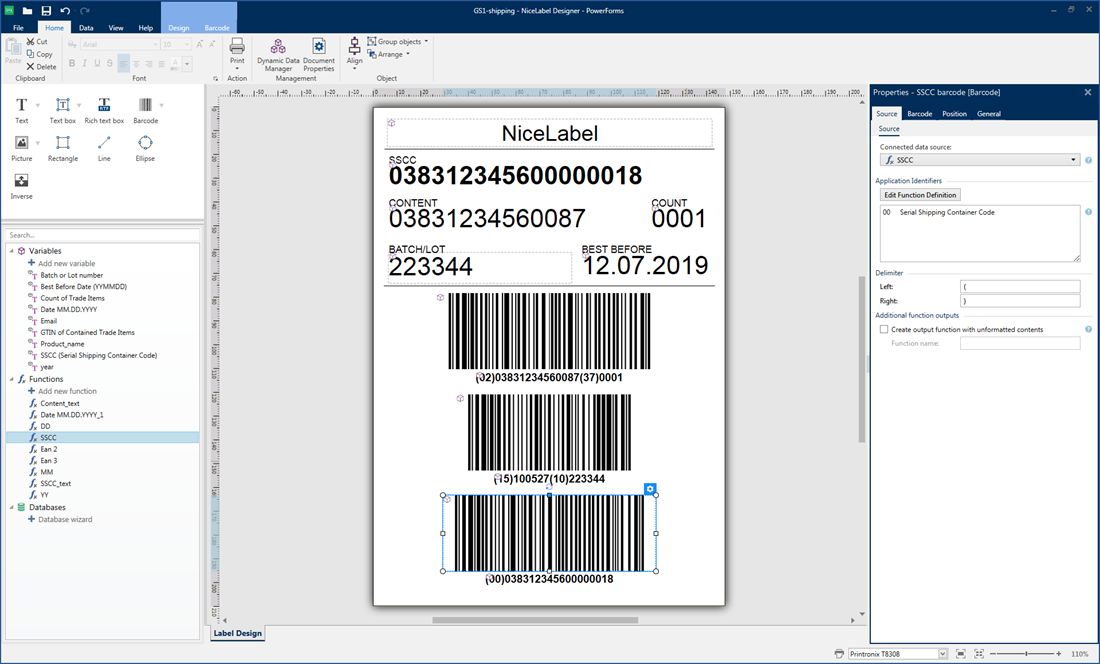
Everything you need to get started and get the job done quickly
You
get all design features you need. You don’t need any coding or
training to
design perfect labels in minutes.
All-inclusive label designer for the office user
Labels are unique documents and designing them with tools not built for the job can be challenging. The NiceLabel Designer makes this task easy for anyone. It’s packed with graphical design features and you don’t need coding skills or training to create labels in minutes.
The Designer comes with many pre-built templates that you can modify to meet your requirements. Alternatively, NiceLabel’s global partner network is available locally to help you design labels tailored to your needs.
Simplicity out of the box
Design
like a pro, even if you’re a novice
Guidelines,
positioning, anchoring, alignment, grouping and other features help
you quickly design professional labels.
Pre-built
compliance labels
NiceLabel
comes with a library of pre-built labels that align with industry
standards like GS1, AIAG, ODETTE, GM, VDA, etc.
All
the help you need
NiceLabel
provides shortcuts, on-screen hints, error warnings, and explanations
to ensure you get all the help you need to quickly create accurate
labels.
Universal label templates reduce complexity and cost
Designed to minimize the number of label variations you need
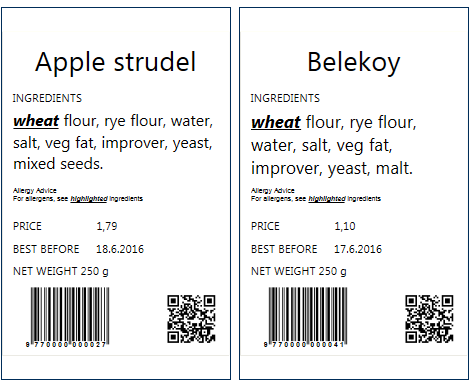
NiceLabel enables the design of universal, intelligent label templates with dynamic content. Even the most complex labels such as chemical, food and garment care labels can be designed quickly and linked to dynamic data sources.
NiceLabel’s label templates are universal. You can use the same template with any printer brand and model, even printers with different resolutions. You don’t need to design different labels for different printers to get the same consistent output and fast printing performance.
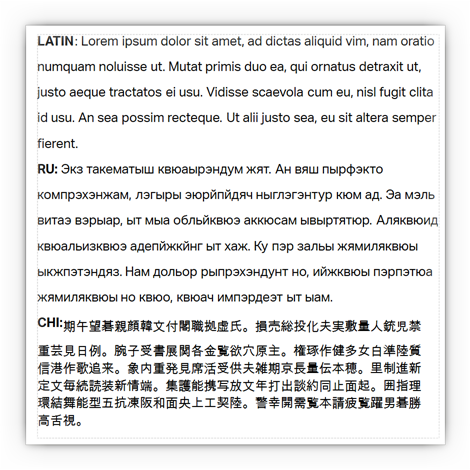
Rich
and responsive text objects
NiceLabel
automatically wraps your text or adjusts font size to ensure your
dynamic data fits into the designated area.
All
the languages you need
Every
part of NiceLabel supports foreign languages including its user
interface, help system and user guides. Label content can by printed
in any language with multiple languages appearing on the same label.
Powerful,
unique features
Intelligent
features like; relative object positioning, variable label length and
double-sided printing help reduce the number of template variations
you need to create.
Data – ensure accuracy and minimize errors
Designing and printing labels is a critical business function. Data accuracy is essential and best practice is to minimize or eliminate manual data entry and avoid changes to label templates at the point of printing. NiceLabel recommends that you separate the label template design and label data.
Use an Excel spreadsheet or a database to host your data instead of designing a different label template for each product. NiceLabel is the only vendor that provides spreadsheet and database connectivity across its entire product line.

Database connectivity
Anyone can connect to an Excel spreadsheet or an Access database using the NiceLabel wizard. Advanced users can connect labels with server databases.
- Easily connect to Excel and text files
- Connect to SQL Server, Oracle and MySQL
- OLE DB and ODBC provide connectivity to almost any other database
- Connection to multiple databases and tables on the same label
- Import dynamic graphics from databases (BLOB)
- Custom SQL data queries for advanced queries
Data validation, formatting and processing
You often need to print data in a particular format; sometimes joined into a single text or barcode object (i.e. for serialization). This also may be required to comply with industry or customer requirements. NiceLabel helps you meet these needs by providing functions configured via wizards instead of requiring coding.
- Configurable variables, data-entry rules and error checking
- GS1-128 barcode wizard for shipper box labels
- Functions for easy data manipulation and concatenation, and for industry standards including GS1, ANSI, HIBC
- Advanced VB or Python scripting for custom or special needs
Print quickly without errors
Printing the right label template with the right data is business-critical for a company of any size. NiceLabel ensures print operators experience a simple interface providing them with everything they need and no distractions. The result is a quick and accurate printing process.
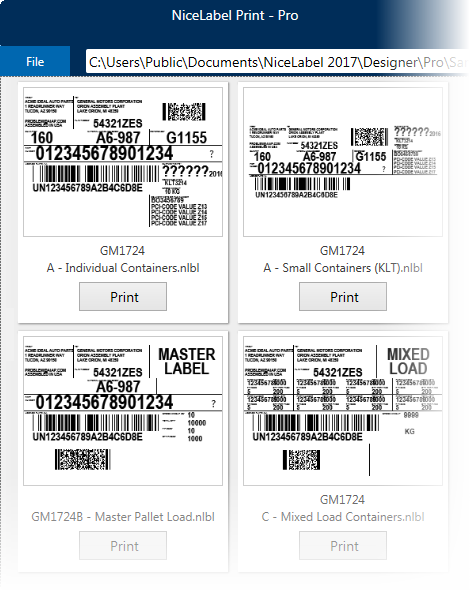
Print
with fewer errors
Labels
are not designed every day but they are printed every day. It is
critical to ensure the printing process is streamlined and
accurate. The print operators must be able to quickly select the
correct data, adjust printer settings and preview the label print
job. Operators should not be able to change the label template.
Label printing requires a special interface that ensures data accuracy, prevents accidental label template changes and minimizes the learning curve for production and warehouse print operators.
NiceLabel
Print for print productivity
NiceLabel
Print is the module created for the print operator. It allows the
users to select the right label template, but prevents them from
modifying it. The “all-in-one” printing form includes all data
entry fields, database navigation and selection, printer settings
and a print preview of the entire print job so the operators print
efficiently and without errors.
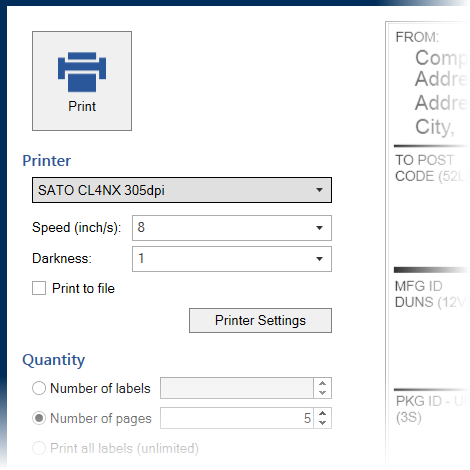
Print
controls for better quality and faster user onboarding
An
important part of the printing interface is an easily recognizable
print button with a printer icon so that even the first time user
knows where to click. If required, the user can change the printer
or its settings directly from the form. This makes is easy to
achieve perfect label print quality.
Works
with any kind of printer
NiceLabel
Print optimizes commands for the selected printer to achieve the
maximum quality and performance. It works with all:
- Laser printers
- Thermal printer
- RFID printers
NiceLabel Print works best with NiceLabel printer drivers delivering the best native control and performance.
Clear
requirements for accurate data entry
With
NiceLabel’s “all-on-one” printing form, the user always knows
what data changes are required before printing. All data-entry fields
are clearly listed together so that the user doesn’t need to click
on other parts of the form to know exactly what data needs to be
entered. If the label changes, the data-entry fields adapt
automatically. There is no need to redesign the printing form.
Preview
the entire print job for quality assurance
The
label preview of the entire print job object displays all labels
exactly as they will be printed. The operator can also zoom in and
zoom out of the preview to verify label contents before printing.
Responsive
form layout for more flexibility
The form interface automatically adapts to your screen so you
don’t need to create variations of the same form for different
screen sizes. Printing forms are portable across any screen regardless
of the size, aspect ratio or resolution.
Scarcira Sofware Nicelabel Trial 30 giorni, Drivers Stampani & Templates..
|
|
|
|
|
|
|
NiceLabel v.10 (.exe) |
NiceLabel v.10 (.zip) | Drivers Stampanti SMS | Drivers Sistems SMS-R1 | Tempaltes GHS/PipeMarking |
 |
|
|
|
|
Puoi controllare la tua versione di NiceLabel avviando NiceLabel e andando al menu Aiuto > Informazioni.
|
Identificazione
professionale |
||
|
Identificativi
macchine e prodotti Etichette identificative con tutti i tuoi dati |
Etichette
Asset ID Beni tracciabili con codici a barre QR |
Identificazione
per impieghi gravosi Etichette con uno strato protettivo extra |
|
Identificazione
a prova di frode Etichette VOID contro le frodi in garanzia |
Identificazione
del dispositivo medico Identificazione secondo le linee guida MDR |
Etichette
con codice QR e codice a barre Etichette con codici a barre 1D e 2D (QR) |
|
|
||
|
Industria
Meccanica |
||
|
Targhe
di identificazione Stampa targhette di valutazione durevoli |
Adesivi
certificati UL Adesivi con etichetta UL per l'esportazione |
Piastre
per macchine ispessite di lusso Etichette Resopal di lusso |
|
Targhette
per impianti di refrigerazione Stampa targhette secondo gli standard del settore |
Targhette
di marcatura CE Identificazione permanente e resistente ai graffi |
Costruzione
di quadri e interruttore elettrici Etichette ispessite per pannelli/armadietti |
|
|
||
|
Magazzino
e logistica |
||
|
Etichette
di posizione multicolore Assegna un codice colore alle tue posizioni |
Etichette
di posizione (multilivello) Etichetta i tuoi rack in modo rapido ed efficiente |
Segnaletica
temporanea Rimovibile e riposizionabile |
|
Adesivi
per Scaffali magazzino Codifica per magazzini tecnici tracciabili |
Etichette
per Deposito all'aperto Etichette per condizioni difficili all’aperto |
Barcodes e
segnaletica per pavimenti Marcatura e codifica pavimento del magazzino |
|
|
|
|
|
|
Cable marking |
|
|
Etichette
avvolgenti / Wire-wrap Etichette autolaminanti per cavi |
Manicotti
termoretraibili Stampare guaine termoretraibili aderenti |
Etichette
per cavi Senza alogeni e ignifugo per cavi elettrici |
|
Etichette
a bandiere Etichette VOID contro le frodi in garanzia |
|
|
|
|
||
|
Arresto
e inversione Fase di pre-spegnimento e spegnimento |
Adesivi
di calibrazione e ispezione Adesivi di ispezione personalizzati |
Lock-out
/ Tag-out tags Stampa i tuoi tag
LOTO(TO) |
|
Etichette
semaforiche e tag di revisione Stampa le tue etichette per flange |
Pipe marking Identifica facilmente i tuoi tubi |
Etichette
generali (di istruzioni) Etichette con testi e/o simboli |


 |
||||
|---|---|---|---|---|
|
5S Lean Manufacturing |
Audio / Video & Movies |
Chimico & Farmaceutico |
||
 |
 |
 |
||
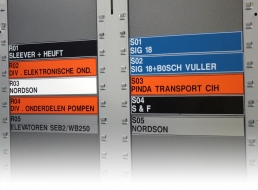
| Seguire il pProgramma LEAN 5S. Da noi potete trovare tutto il necessario per organizzare il posto di lavoro chiaramente codificato. | Soluzioni etichette per valigie viaggio, cavi, pannelli di permutazione, magazzino, attrezzature e istruzioni d’uso per non perdere mai il filo. | Esigi di Etichette (GHS) (ADR) per prodotti chimici di vario tipo? Pretendi soluzioni chiavi in mano? Abbiamo la soluzione che fa per te. | ||
| Climatizzazione | Datacom & Elettrico | Engineering & Processing | ||
 |
 |
 |
||
| Targhette istruzioni, avvisi per corretto uso…con dati, recapiti e logo propria societŕ , in pochi secondi sono pronti sulla scrivania! | Etichette in situazioni complesse richiedono materiali professionali. Scegliere sistemi e consumabili di qualitŕ abbassa a "l'attensione"! | Indicazioni obbligatorie, come telaio, certificazione CE e istruzioni per l'uso. Li puoi stampare tu stesso quando ne hai bisogno! | ||
| Logistica & Stoccaggio | Manutenzione & Riparazione | Noleggio Attrezzature | ||
 |
 |
 |
||
| Etichette, codici a barre o segnaletica di sicurezza in loco? LabelSystems vi mostra il modo per ottimizzare il vostro magazzino. | Etichette di controllo, codici a barre, icone, etichette tag o testo semplice, i nostri sistemi di misura ti permettono di fare tutto! | Etichette con codici a barre, scanner per materiali in entrata e in uscita, etichette con le istruzioni e nastri di sicurezza per i personali. | ||
| On & Offshore | Ospedali & Cliniche | Pipe Marking | ||
 |
 |
 |
||
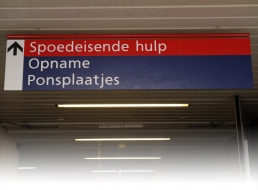
| Necessiti nuove etichette, ma ci vorrŕ un po’ prima che tu sia tornato on-shore? Con sistema portatile puoi stamparli in mare aperto! | Segnaletica, attrezzature o identificazione del reparto o paziente, con LabelSystems hai una preoccupazione in meno. Tante soluzioni ad hoc! | Con sistemi LabelSystems, l'intero processo d’etichettatura non č mai stato cosi evidente! Approfittate del ns. programma unico marca tubo. | ||
| Protezione Civile | Pubblica Amministrazione | Raccolta Differenziata | ||
 |
 |
 |
||
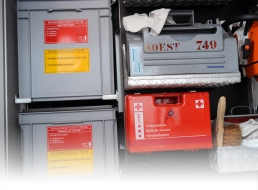
| LabelSystems fornisce piů di 100 soluzioni di emergenza diversi! La vostra organizzazione ci sono ancora? Poi guardare oltre… | Creare segnali, cartelli per l’arredo urbano, contenitori, attrezzature, segnali stradali…e molto altro. Risparmia tempo e denaro! | Pulizia, efficienza e professionalitŕ nel raccolta differenziata. Etichette per fare la differenza. Piccoli investimenti a grande impatto! | ||
| PER OGNI APPLICAZIONE C'è UNA ETICHETTA! | ||||
Fine pagina!
O